Speakers
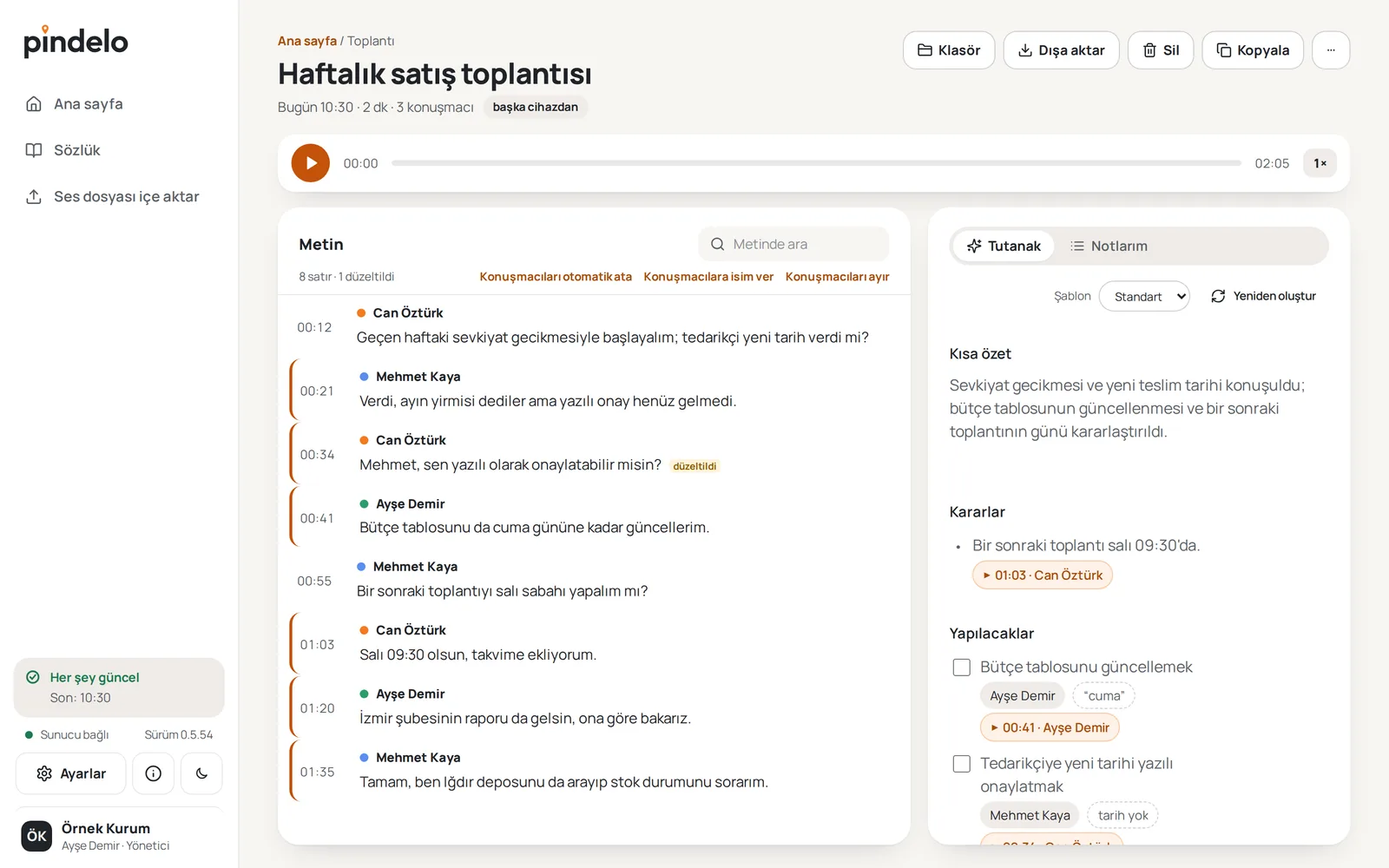
See who said what. Name the speakers or confirm the names suggested from the conversation; a name applies to every line of the meeting.

Meeting assistant for Turkish
Record your meetings and get a transcript split by speaker, a summary grouped by topic, decisions and action items. Audio and text are processed on our servers in Türkiye.
How it works
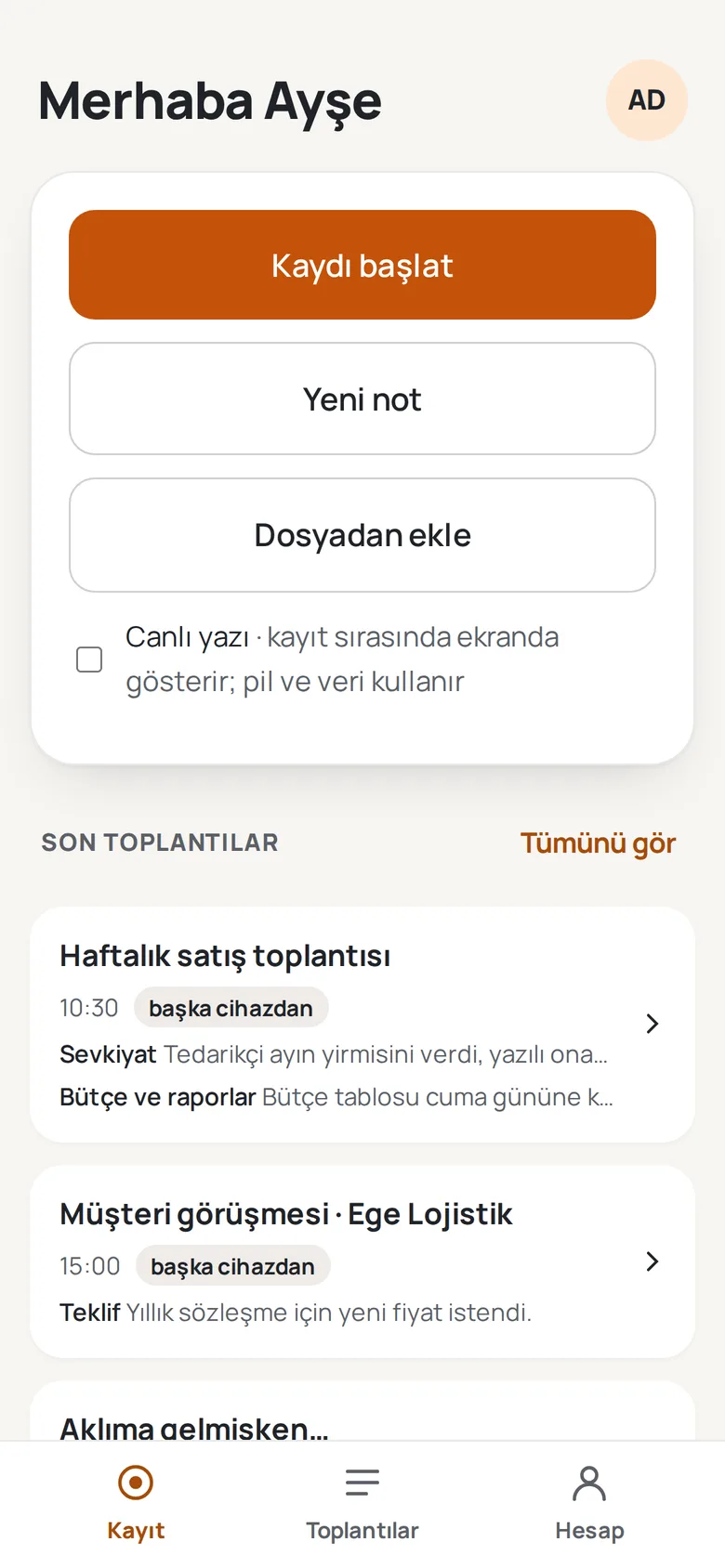
Record the meeting on your computer or phone, or add an audio file you already have. No bot joins your meeting.
Speech is transcribed with models chosen and tested on Turkish speech. Speakers are separated and their names are suggested from the conversation itself.
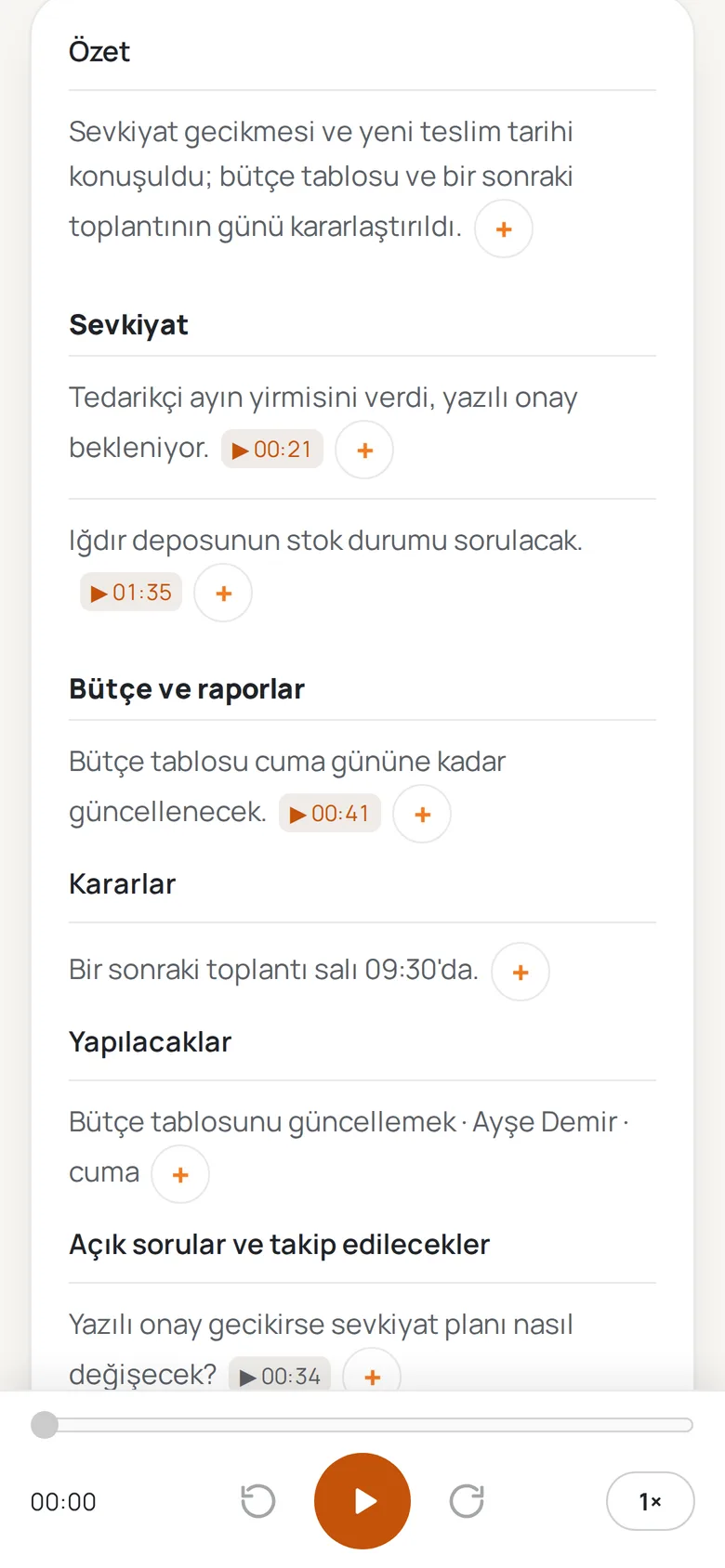
The summary is grouped by topic. Decisions, action items and open questions come with their place in the conversation.
Features
See who said what. Name the speakers or confirm the names suggested from the conversation; a name applies to every line of the meeting.
Summary points, decisions and action items link to their place in the conversation, so the source is always at hand.
Tap a line or a time and the recording plays from there.
Correct how a name is written once; it joins your glossary and later recordings take it into account.
Add to a note by speaking for up to 60 seconds; your words become text you can edit.
In the desktop app, export the minutes and the transcript as Word, PDF or Markdown.
Computer and phone
Turn on sync and your recordings and notes are waiting on every device signed into the same account. You don’t need to download large audio files to every device.
Currently in device testing. A Windows version will follow later.
For organizations
Manage your team from one organization account and set organization-wide options.
Transcription, identity and sync servers are designed to be installable on your organization’s own infrastructure; talk to us about the terms.
Members and roles; options such as audio sync and automatic speaker separation are switched on or off for the whole organization.
Before the first recording, and whenever the notice changes, you confirm that participants were informed; optionally on every recording. Each recording is written to the audit log on the device.
In the desktop app, export a meeting’s transcript, minutes and audio. A meeting you delete is also removed from your other devices and the server when sync is on.
Contact details for organizations and installations will be on this page soon.
Privacy
Your local database and stored audio recordings are encrypted on your device.
For transcription and minutes, audio and text are processed on our own servers in Türkiye. The transcription server does not keep audio.
If you turn on sync, your recordings and notes are encrypted in transit and on our server, and arrive on the devices on your account. Our server manages the keys.
No ads, analytics or tracking tools in the app or on this site. This site sets no cookies.
Questions
No. You record on your own computer or phone. On a computer, the audio of an online meeting is recorded too; the phone uses only its microphone.
The transcription server does not keep audio after processing. When sync is on, the recording is also stored encrypted on our server so you can download it on your other devices; your organization admin can turn audio sync off.
Before the first recording, and whenever the notice text changes, the app asks you to confirm that participants were informed, and records it. Your organization’s privacy notice sets out how to inform them.
macOS, iOS and Android, currently in device testing. A Windows version will follow later.
The transcript shows what was said, line by line. The minutes organize topics, decisions, action items and open questions, and each item takes you to its place in the conversation.
On the phone you can record and work with your notes offline. On the computer, recording needs a server connection. Transcription, minutes and sync need an internet connection.
The first version is in device testing. Public setup and app store links will be shared here when they are ready.
From recording to minutes, from your own notes to working across devices.